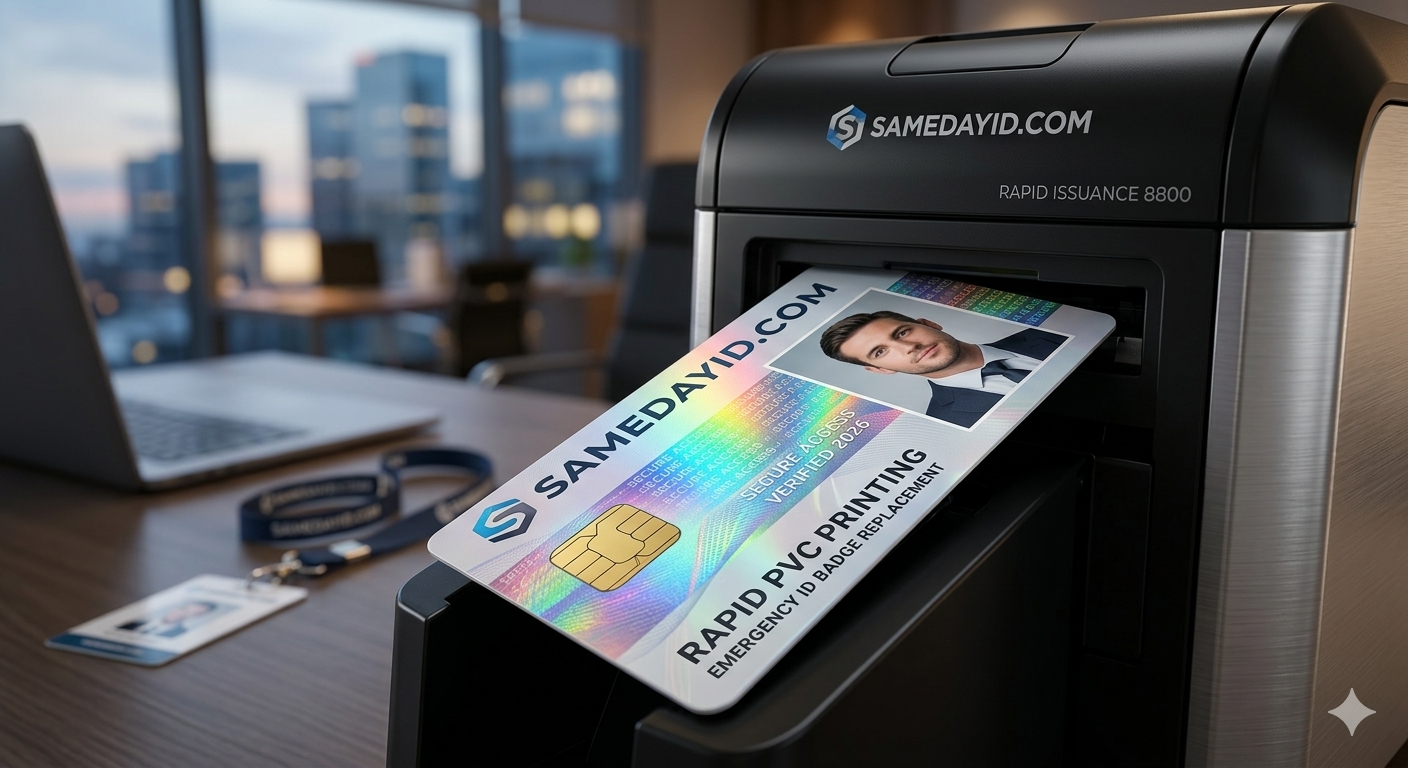
When an employee loses a badge, report it right away, deactivate the old card in any system that uses it, then reorder a replacement using your saved template or original design file. With your design and the employee's photo on file, a replacement is a quick order rather than a new project.
Need cards soon? Start your design on the order page. Orders placed before the 1 PM ET cutoff go into same-day production. Shipping time depends on the method you choose at checkout.
We review every order before it prints.
Last updated: November 5, 2026
Why a lost badge needs a process
Lost badges are routine. Cards fall off lanyards, get left in rental cars and go through the wash. Without a simple process, each loss turns into a string of emails about who approves a new card, where the design file is and which photo to use. A short written process turns it into a five-minute task.
Step 1: Report the loss
Ask employees to tell their manager or the front desk as soon as they notice a badge is missing. Make it easy and blame-free so people report quickly. Note the date, the person and where the card was last seen.
Step 2: Deactivate the old card if it is used in a system
If the badge opens doors, logs time or pays for meals, the team that manages that system should deactivate the lost card number. Printed-only badges with no encoded data do not need this step, but it is still worth recording the loss.
Step 3: Check the details before reordering
Confirm the employee's name, title and department are current, and decide whether their photo is still a good likeness. A replacement is a natural time to update a title or reshoot an old photo.
Step 4: Reorder using your saved template or design file
Use the same template as the original so the new card matches everyone else's. Submit the order with the updated details. Orders placed before the 1 PM ET cutoff go into same-day production, and shipping time depends on the method you choose at checkout.
Step 5: Bridge the gap
While the replacement is on the way, give the employee a clearly marked temporary visitor or day badge if your workplace uses them. Collect it when the new card arrives.
Step 6: Close the loop
Hand over the new card, record the new card number if one is used, and collect the old card if it turns up later. Destroy recovered cards rather than returning them to circulation.
Ways to reduce repeat losses
- Use sturdy lanyard clips or badge reels instead of thin split rings.
- Offer rigid holders for field staff.
- Ask employees to keep badges off car dashboards and out of back pockets.
- Remind people to check pockets before laundry.
- Keep a spare stock of holders at the front desk so broken ones get swapped quickly.
Common mistakes
Using a different design for replacements, so the new card stands out. Reusing an old, outdated photo. Forgetting to deactivate the lost card in systems that use it. Letting temporary badges linger for weeks. Each is avoided by writing the steps down once and keeping the template and photo files in a shared folder.
Who does what
- Employee: reports the loss and confirms their details.
- Manager: approves the replacement and issues a temporary badge if needed.
- System owner: deactivates the old card in any system that uses it.
- Program owner: places the reorder using the saved template or original design file and records the new card.
In small businesses one person may cover several of these roles. Writing them down still helps when someone is out of the office.
Tracking replacements
A simple log with the date, employee, reason and new card number shows patterns over time. If one team loses many cards, the fix may be better holders or a different lanyard. If replacements spike after a uniform change, clips may not suit the new clothing. Reviewing the log every quarter turns individual losses into small program improvements.
Handling damaged cards
Not every replacement is a loss. Cracked, warped or faded cards also need replacing, along with cards for name or title changes. Treat these the same way: confirm details, reorder from the template and collect the old card. Collecting damaged cards matters because a worn card that still works is easy to keep using after its replacement arrives, which leaves two cards for the same person in circulation.
Replacing badges for remote and traveling staff
Employees who work remotely or travel often still need a badge for office visits and client sites. Keep their photo and details on file so a replacement can be ordered without them coming in. Choose a shipping method that gets the card to their location in time; shipping time depends on the method you choose at checkout.
A replacement policy you can copy
Lost or damaged badges must be reported to a manager the same day. The manager confirms details and requests a replacement using the saved template or original design file. Any system access tied to the old card is deactivated. A temporary badge may be issued and must be returned when the replacement arrives. Recovered cards are returned to the front desk for destruction.
Related reading
- Order a replacement badge
- how to clean and care for PVC cards
- same-day ID cards for new hires
- how employee ID cards help daily operations
Frequently asked questions
What should an employee do first when they lose a badge?
Report it to a manager or the front desk the same day.
Does a lost printed badge need to be deactivated?
Only if it is used in a system such as door access or time tracking. Otherwise, just record the loss.
Will the replacement look the same as the original?
Yes, if you reuse the same saved template or original design file.
Can we update the photo on a replacement card?
Yes. A replacement is a good time to update an outdated photo or title.
How quickly can a replacement be produced?
Orders placed before the 1 PM ET cutoff go into same-day production. Shipping time depends on the method you choose at checkout.
What should we do if the lost card turns up?
Collect it and destroy it so only the replacement stays in use.
Ready to get started?
When your design and names are ready, start your order. Orders placed before the 1 PM ET cutoff go into same-day production, and shipping time depends on the method you choose at checkout. Start your order now
Also see our sister brand WorkIDCard for multi-site employee badge programs.
We review every order before it prints.