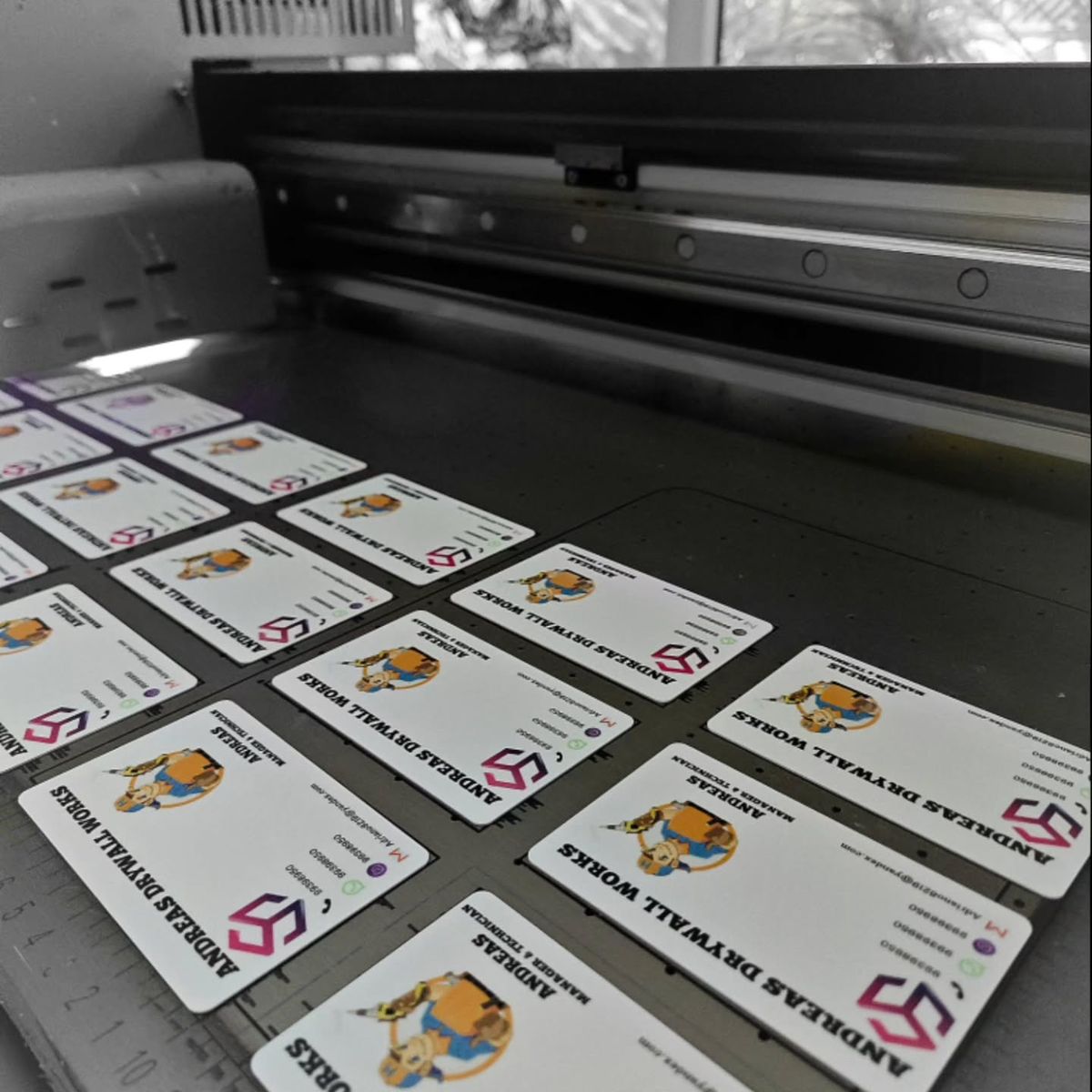
ID cards used with access control systems are printed PVC cards that carry a format your reader understands, such as a barcode, magnetic stripe, proximity or smart chip. Printed photo, name and role details also make visual ID checks faster and easier for staff at the door. Before printing, confirm the card format your reader expects.
Need cards soon? Start your design on the order page. Orders placed before the 1 PM ET cutoff go into same-day production. Shipping time depends on the method you choose at checkout.
We review every order before it prints.
Last updated: November 5, 2026
What an access card actually is
Physically, most access cards are the same CR80 size as a credit card. What separates them is the technology the reader looks for. The printed side carries the photo, name, department and logo that people see. The encoded side, when there is one, carries the data the reader sees. Both sides matter, and they are planned separately.
Common card formats, in plain terms
These are general card features you will see across the industry:
- Barcode. A printed 1D or 2D code that an optical scanner reads. It is the simplest format and needs no special card stock.
- Magnetic stripe. A stripe on the back that stores data and is read by swiping. Stripes come in low and high coercivity, which affects how easily they can be erased by magnets.
- Proximity. A card with an embedded antenna that a reader detects at short range, usually by tapping or holding the card near the reader.
- Smart chip. A card with a contact or contactless chip that stores more data than a stripe or proximity card.
Each format pairs with specific readers, and readers from different systems do not always read each other's cards.
Why compatibility is the first step
A card can look perfect and still not work if its format does not match your reader. Readers can differ in frequency, data format and how card numbers are programmed. That is why we do not assume anything about your system. Contact us before ordering and we'll help you check compatibility. If you are not sure what you have, your facilities team or the company that installed your readers can usually tell you from the reader model or an existing working card.
What the printed side adds
Even in buildings where a reader opens the door, people still look at badges. A clear photo, a readable name and a color band for department or visitor status make visual ID checks faster and easier for front-desk staff, guards and coworkers. Good design choices include a large, recent photo; a name in a bold sans-serif font; a role or department line; and a consistent color scheme so staff can tell employee, contractor and visitor badges apart at a glance.
Design tips for access cards
Keep important printed content away from areas where a chip or stripe sits, so the design stays legible. Put the photo and name on the front and policy text or return instructions on the back. Use a vertical layout if cards hang on a lanyard and a horizontal one if they live in a wallet or clip. Leave room for a card number if your program uses one.
Planning replacements and new hires
Access programs change constantly: people join, change roles and lose cards. Keep a template on file so a replacement matches the original, and keep a short list of the card format and reader details so new orders do not need a fresh compatibility check every time. For batches of new hires, collecting photos and names in one spreadsheet saves the most time.
Card formats compared, side by side
Here is a plain-text comparison of the four common formats as general card features.
- Barcode. How it is read: optical scanner. Card stock: any standard PVC card. Data capacity: low for 1D, higher for 2D codes. Typical uses: libraries, time clocks, event check-in. Main consideration: printed codes can be copied by photo, so they suit convenience uses.
- Magnetic stripe. How it is read: swipe. Card stock: cards with a stripe built in. Data capacity: low. Typical uses: older door and cafeteria systems. Main consideration: stripes wear with swiping and can be erased by strong magnets.
- Proximity. How it is read: tap or hold near the reader. Card stock: cards with an embedded antenna. Data capacity: usually just an ID number. Typical uses: office doors and parking gates. Main consideration: frequency and format must match the reader.
- Smart chip. How it is read: contact or contactless. Card stock: chip cards. Data capacity: higher. Typical uses: multi-purpose campus or office cards. Main consideration: chips must be programmed for the specific system.
Common mistakes when ordering access cards
The most frequent mistake is ordering cards before anyone checks the reader, which leads to a batch that looks right and does not read. Another is printing heavy graphics over the area where a chip or antenna sits, so the print cracks over time. Teams also forget to record which card number belongs to which person, which makes deactivating a lost card harder. Finally, some programs use the same design for employees, contractors and visitors, which slows down visual ID checks. Fix each of these before ordering: check the reader, plan the layout around the technology, keep a card log and use distinct colors by role.
Where Same Day ID fits
Same Day ID prints custom PVC ID cards from your design and data. If your cards need to work with a reader, contact us before ordering and we'll help you check compatibility. For broader context on card stock, see our guide to how PVC cards are made.
Related reading
- Order custom ID cards
- how PVC ID cards are made
- keeping cards in good condition
- what one ID card does for daily operations
Frequently asked questions
Will a printed ID card work with my door reader?
It depends on the format your reader expects. Contact us before ordering and we'll help you check compatibility.
What is the difference between proximity and smart-chip cards?
Both are read without swiping. Smart-chip cards generally store more data, while proximity cards mainly transmit an identifier.
Does the printed design matter if a reader opens the door?
Yes. Photos, names and color coding make visual ID checks faster and easier for staff.
How do I find out my card format?
Check the reader model or ask your facilities team or the installer. An existing working card is also a useful reference.
Can one card hold both a photo and an encoded format?
Yes, in general a printed photo side and an encoded format can share one card. Contact us before ordering and we'll help you check compatibility.
What should we record when issuing access cards?
Keep a simple log of each person, their card number if one is used, the issue date and the role color, so lost cards are easy to track.
Ready to get started?
When your design and names are ready, start your order. Orders placed before the 1 PM ET cutoff go into same-day production, and shipping time depends on the method you choose at checkout. Start your order now
Also see our sister brand WorkIDCard for multi-site employee badge programs.
We review every order before it prints.