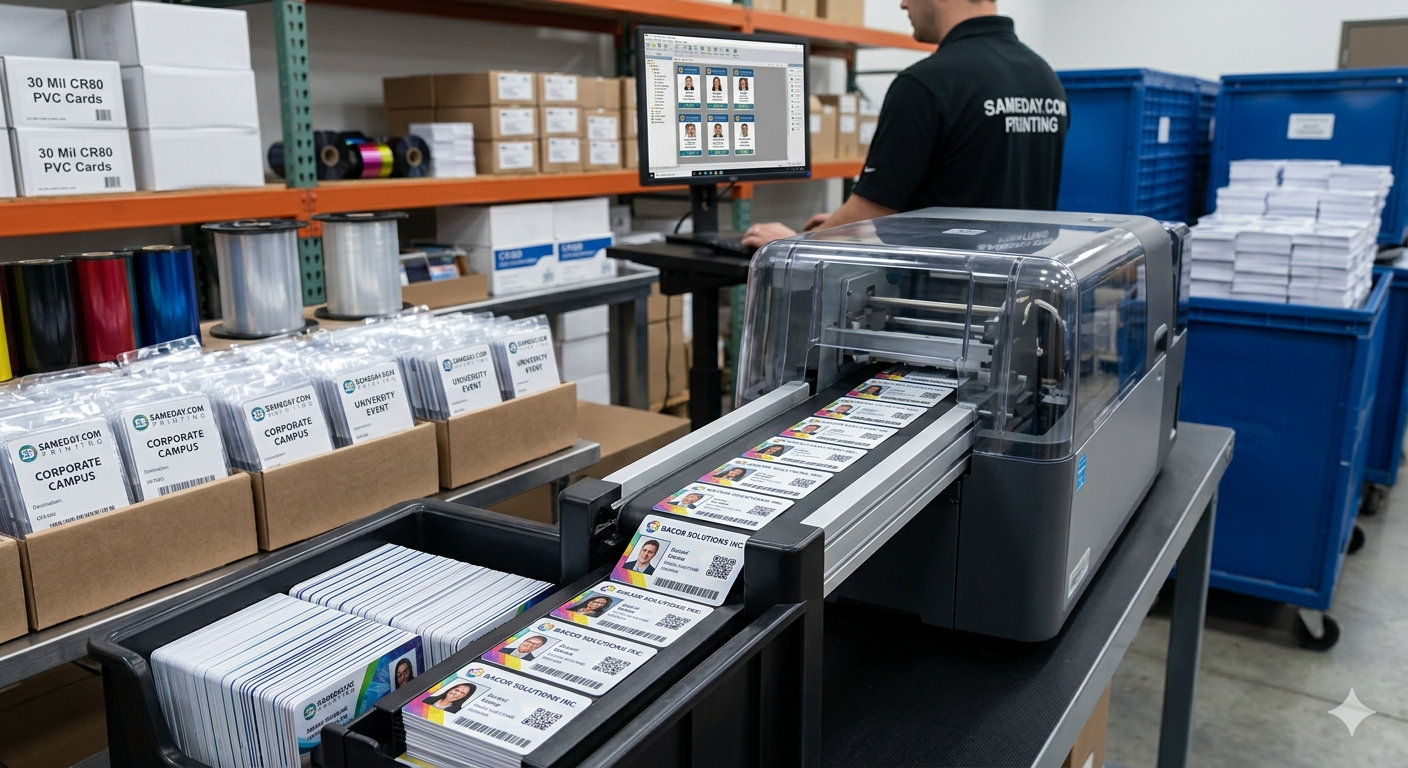
Same-day PVC ID printing works by finishing all the decisions before the order: a final design, a clean spreadsheet and matching photos. Once any digital proof you added is approved and the order is in before the 1 PM ET cutoff, cards go into same-day production, and shipping time depends on the method you choose at checkout.
Need cards soon? Start your design on the order page. Orders placed before the 1 PM ET cutoff go into same-day production. Shipping time depends on the method you choose at checkout.
We review every order before it prints.
Last updated: November 5, 2026
Where the time actually goes
Printing a PVC card takes seconds. What takes hours or days is everything around it: chasing missing photos, fixing misspelled names, redoing a logo that is too small and waiting on approvals. A same-day order succeeds or fails on preparation.
Step 1: Lock the design
Pick one layout and stick to it. Decide on orientation (vertical for lanyards, horizontal for wallets), what goes on the front and back, fonts and colors. Provide your logo as a high-resolution file, ideally vector (SVG, EPS or PDF) or a large PNG.
Step 2: Build one clean data file
Use a single spreadsheet with one row per card and one column per field: first name, last name, title, department, ID number and photo filename. Check spelling, remove duplicates and keep capitalization consistent. Sort it in the order you want cards packed.
Step 3: Match photos to rows
Name each photo file to match the spreadsheet, such as the employee number. Use front-facing photos with a plain background and similar framing. Inconsistent photos are the single most common reason a large batch slows down.
Step 4: Approve the proof, if you added one
If you add a digital proof to your order, you will see how real records look on the card. Check long names, hyphenated names and titles, which are the ones most likely to overflow. Approving quickly and accurately is what keeps the order on the same-day track.
Step 5: Production and quality checks
After approval, cards are printed, checked against your data for spelling and alignment, and sorted in your order. Orders placed before the 1 PM ET cutoff go into same-day production.
Step 6: Pick the right shipping method
Shipping time depends on the method you choose at checkout. If you have a hard start date or event day, choose the method with that date in mind, and allow a little buffer.
A pre-order checklist for big batches
Before you submit, confirm that every spreadsheet row has a matching photo, that the photo filenames match exactly, that long names fit the template, that your logo file is high resolution, and that someone with authority is ready to approve the proof right away. Decide on the shipping method based on your real deadline, and note who will receive and distribute the cards. If any of these items are open, resolve them first; it is faster than fixing them after the proof. Teams that run through this list routinely find that large orders feel no harder than small ones, because the only work left on order day is a quick review and approval. Save the finished checklist with your template so the next batch starts from the same place.
Example spreadsheet layout
A clean data file for a large batch usually has these columns, in this order:
- first_name: preferred first name, normal capitalization
- last_name: last name, including hyphens or spaces as written
- title: short job title or role
- department: used for color coding if needed
- id_number: employee or member number, if printed
- photo_file: exact filename of the matching photo, such as 10423.jpg
Keep one row per card, no merged cells and no blank rows. Sort by the order you want cards packed, such as department or location.
Common mistakes that slow large batches
Photo filenames that do not match the spreadsheet are the number one cause of delay. Others are names in all caps, extra spaces at the end of a cell, titles too long for the layout, missing rows for people added by email after the file was sent, and multiple people approving the proof with conflicting changes. Name one approver and send one final file.
Splitting a large program into waves
For a rollout across many departments or locations, send orders in waves rather than one huge file. Start with the group whose data and photos are complete. Each wave goes through its own proof, so a missing photo in one department does not delay the others. Use the same template for every wave so all cards match. Keep a simple tracker with each wave's status: data ready, photos ready, proof approved, ordered and delivered. Waves also make distribution easier, since each box arrives already sorted for one team, and managers can hand cards out the same day they arrive.
Large-batch tips
Split very large programs into waves by department or location so one missing photo does not hold up everyone. Keep the template saved for future orders. Order a few spare cards for the most common roles if your design allows generic badges, such as visitor or volunteer cards.
Related reading
- Start a bulk order
- our bulk ID card printing guide
- same-day ID cards for new hires
- printing conference badges quickly
Frequently asked questions
What is the cutoff for same-day production?
Orders placed before 1 PM ET go into same-day production.
How long does shipping take?
Shipping time depends on the method you choose at checkout.
What files do I need for a bulk order?
A logo file, a spreadsheet with one row per card and photos named to match the rows.
What slows down a large order?
Missing or inconsistent photos and spelling fixes after the proof are the most common delays.
Can I add people after I submit a bulk order?
Late additions are easiest as a separate small order using the same template.
Can different departments have different card colors in one order?
Yes. Add a department column and we can map each value to a color band.
Ready to get started?
When your design and names are ready, start your order. Orders placed before the 1 PM ET cutoff go into same-day production, and shipping time depends on the method you choose at checkout. Start your order now
Also see our sister brand WorkIDCard for multi-site employee badge programs.
We review every order before it prints.