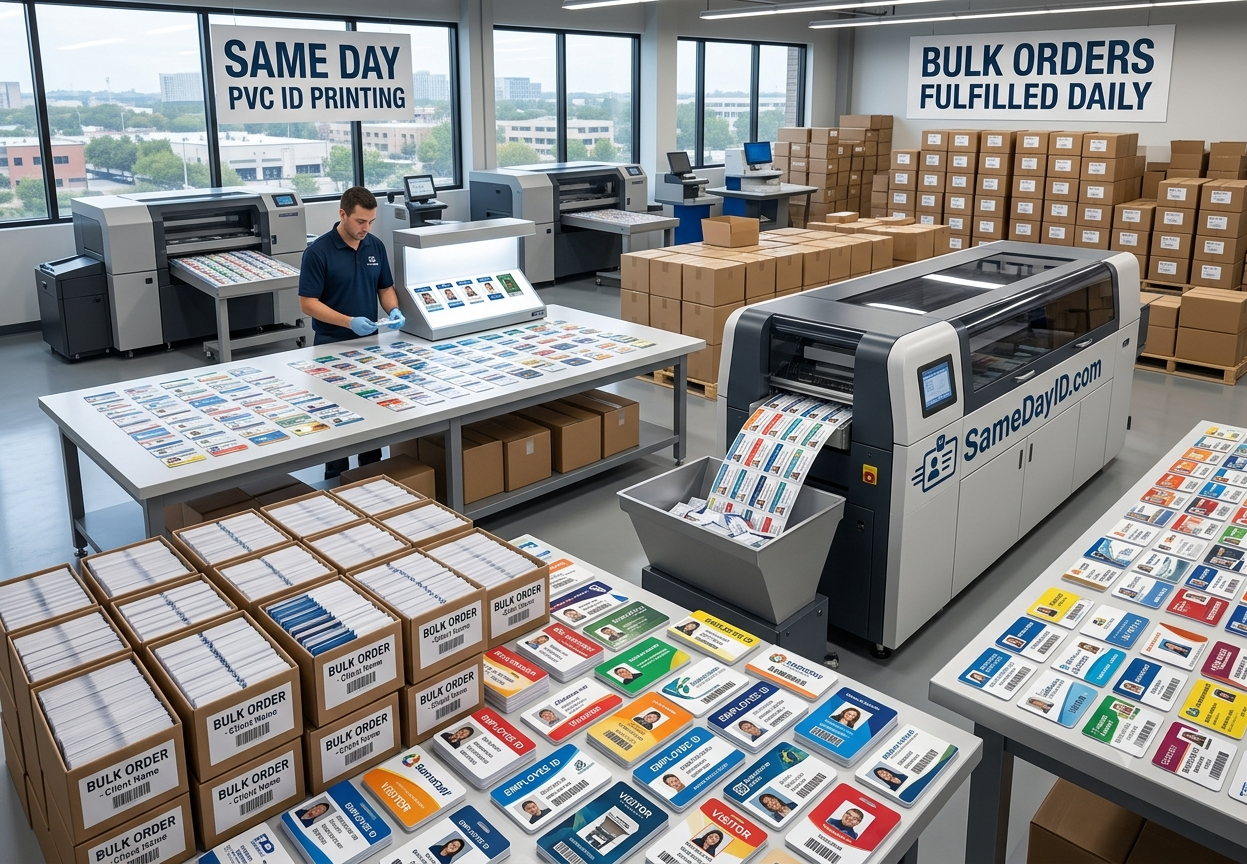
To print conference badges quickly, lock your attendee list into one clean spreadsheet, use a tested badge template with large readable names, and send the job to a printer with a clear deadline. Keep a small batch of blanks or a fast reprint option for walk-ins and last-minute changes.
Need cards soon? Start your design on the order page. Orders placed before the 1 PM ET cutoff go into same-day production. Shipping time depends on the method you choose at checkout.
We review every order before it prints.
Last updated: November 5, 2026
Why badge printing turns into a bottleneck
Badge problems almost never come from the printer. They come from data. A registration export with names in all caps, missing company fields, duplicate attendees or emoji in job titles will slow any print job down. Most last-minute badge emergencies start the night before, when someone discovers that a batch of registrants never synced or that a shipment of pre-printed badges is stuck in transit.
Step 1: Clean the attendee data first
Export once, then fix the spreadsheet before it touches a design file. Split first and last names into separate columns. Standardize capitalization. Remove duplicates by email address. Shorten very long company names and job titles to fit the badge. Add a column for attendee type (speaker, sponsor, staff, attendee) so color coding happens automatically.
Step 2: Build a template that reads from across a room
A badge is read at a distance of a few feet, often while someone is walking. Use a bold sans-serif font such as Arial or Helvetica, with the first name large and the last name and company smaller. Keep strong contrast between text and background, even if that means toning down brand colors. Put the event logo at the top and leave the middle for the name. If you add a QR code for lead scanning or session check-in, keep it away from the hole punch area.
Step 3: Choose the right badge stock
Paper inserts in plastic holders are cheap but flimsy and slow to assemble. Printed PVC badges hold up through multi-day events, look more polished in photos and do not need to be stuffed into sleeves on site. For VIPs, speakers and staff, PVC is usually worth it even if general attendees get paper.
Step 4: Set a print deadline and stick to it
Pick a cutoff for registration changes and tell your team. Everything after that goes into a small late batch. With Same Day ID, orders placed before the 1 PM ET cutoff go into same-day production, and shipping time depends on the method you choose at checkout, so build your timeline around both.
Step 5: Plan for walk-ins and mistakes
Every event has a name misspelled and a speaker who registered at the last minute. Keep a handful of blank badges and a marker at the registration desk, or arrange a quick reprint for anything important. A short fix list collected during day one can go into a single reprint order that night.
Paper vs. PVC badges compared
- Paper inserts in holders. Setup: print sheets, cut and stuff sleeves on site. Durability: fine for one day. Look: basic. Best for: large general-admission crowds on a single day.
- Printed PVC badges. Setup: arrive finished, attach lanyard and go. Durability: holds up across multi-day events. Look: polished in photos. Best for: speakers, sponsors, staff, VIPs and multi-day attendees.
- Mixed approach. Many events print PVC for speakers, staff and sponsors and paper for general attendees. That keeps cost manageable while giving the people who are photographed most a badge that looks finished.
A countdown timeline for badge printing
Three weeks out: finalize the badge template and approve a sample proof with real names, including the longest name on your list.
Two weeks out: run a test export from your registration platform and clean the columns.
One week out: set the registration change cutoff, export the final list and submit the main print order.
Two days out: collect late registrations and corrections into one small order. Orders placed before the 1 PM ET cutoff go into same-day production.
Event morning: sort badges alphabetically across pickup stations and keep blanks and a marker for walk-ins.
After day one: gather misspellings and additions into a single overnight fix list.
Pre-print checklist for event badges
- Every attendee row has a first name, last name, company and attendee type.
- Duplicates removed by email address.
- Longest name tested on the proof.
- Color bands mapped to speaker, sponsor, staff and attendee.
- QR codes, if used, tested with the scanner app you will use on site.
- Hole punch or slot position clear of names and codes.
- Lanyards and holders counted against the attendee total, plus extras.
- A named person to approve the proof quickly.
- A plan and a budget line for walk-ins and reprints.
- Shipping method chosen with the event date in mind, with a day of buffer.
On-site tips that save time
Sort badges alphabetically by last name and split them across several pickup stations. Print the attendee type in a colored band so staff can direct people quickly. Have lanyards pre-attached if possible. Then test one badge on someone across the room before you print the full run.
Related reading
- Order event badges
- same-day ID printing for events
- how same-day PVC printing works
- how PVC cards are made
Frequently asked questions
How far ahead should I print conference badges?
Give yourself time for a review round and shipping. A same-day production option is useful for late changes, but plan the main run earlier.
What font size works for badge names?
Large and bold. A sans-serif first name around 24 pt or larger is easy to read from a few feet away.
Should badges be paper or PVC?
Paper is fine for short events. PVC holds up better for multi-day events and VIP or staff badges.
How do I handle last-minute registrations?
Set a data cutoff, collect late names in one list and print them as a small second batch.
What should be on a conference badge besides the name?
Company, attendee type and the event logo are standard. A QR code for check-in or lead capture is optional.
Can we reuse badges for next year's event?
Usually not, because names and attendee lists change. You can reuse the template and adjust the year.
Ready to get started?
When your design and names are ready, start your order. Orders placed before the 1 PM ET cutoff go into same-day production, and shipping time depends on the method you choose at checkout. Start your order now
Also see our sister brand WorkIDCard for multi-site employee badge programs.
We review every order before it prints.