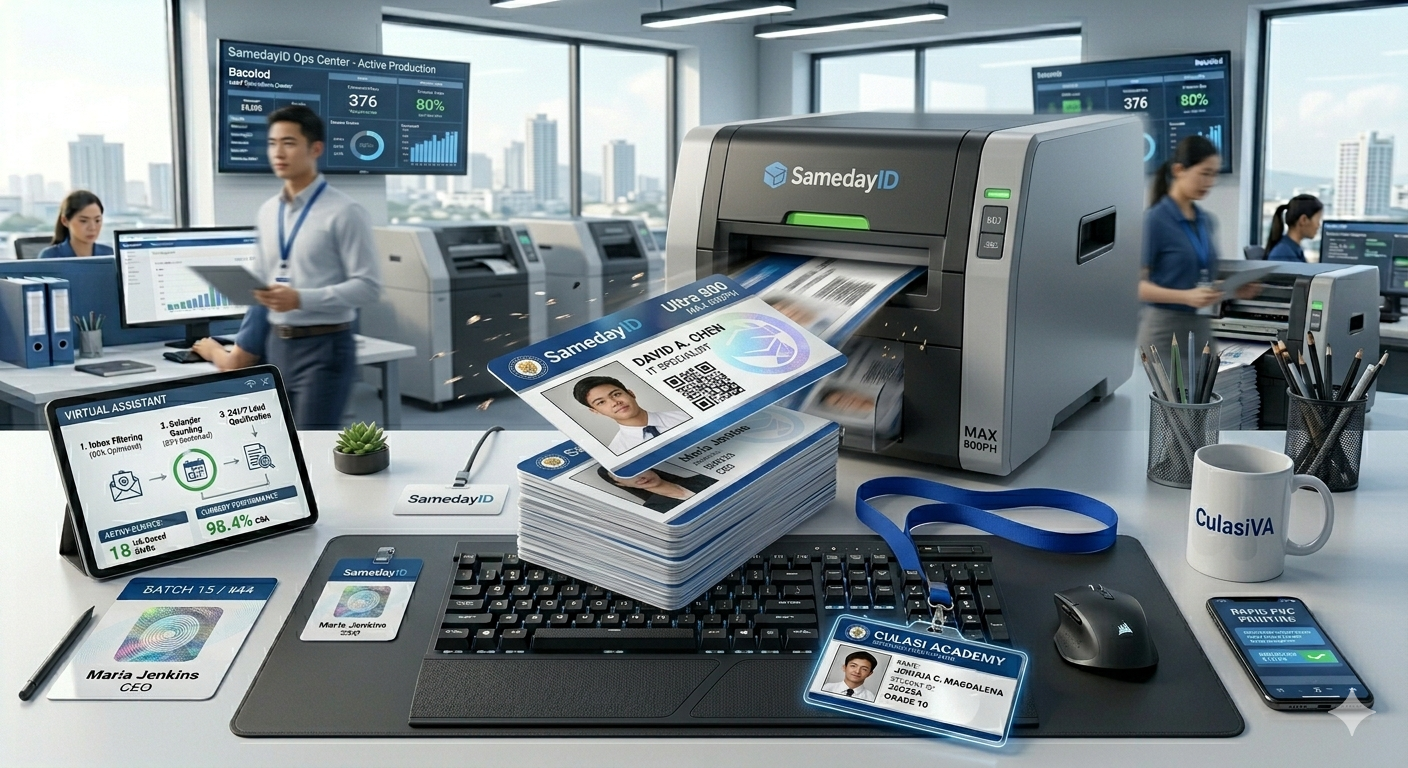
The fastest way to speed up an ID card order is to have everything ready before you start: approved photos, a clean name list, a print-ready logo and a saved template. Then place the order before the 1 PM ET cutoff and choose a shipping method that fits your deadline.
Need cards soon? Start your design on the order page. Orders placed before the 1 PM ET cutoff go into same-day production. Shipping time depends on the method you choose at checkout.
We review every order before it prints.
Last updated: November 5, 2026
Where ID orders slow down
Most delays have nothing to do with the printer. They come from missing photos, misspelled names, low-resolution logos, last-minute design changes and orders placed after the daily cutoff. Each of these adds a round of email or pushes the order into the next production day. Fixing them before you order is the single biggest time saver.
Tip 1: Collect photos in one format
Ask everyone for a front-facing photo on a plain light background, cropped from the top of the head to the shoulders. Name each file with the person's full name or employee number so photos match the right record. A short photo guide sent with the request saves a lot of follow-up later.
Tip 2: Clean the name list
Put names, titles and departments in one spreadsheet with one row per person. Check spelling, capitalization and preferred names. Remove duplicates and shorten long titles to what actually fits on the card. A clean list is faster to process and reduces reprints.
Tip 3: Have a print-ready logo
Send a vector logo file, such as SVG, EPS or PDF, or a high-resolution PNG. Screenshots and logos pulled from a website are often too small and may need to be replaced, which costs time.
Tip 4: Save and reuse a template
If you order cards more than once, keep a master design. Reusing it means new orders only need new names and photos, not a new layout. It also keeps every card consistent.
Tip 5: Decide on the proof up front
A digital proof is optional. It is worth it for a new design or a large first order. For repeat orders on an approved template, many customers skip it to save a step.
Tip 6: Order before the cutoff
Orders placed before the 1 PM ET cutoff go into same-day production. If your deadline is tight, place the order in the morning so there is time to answer any questions before the cutoff.
Tip 7: Choose shipping with your deadline in mind
Shipping time depends on the method you choose at checkout. Look at your deadline, count back and pick the method that gets cards to you with a little room to spare. For multiple locations, consider whether one shipment or separate shipments makes more sense.
Tip 8: Name one point of contact
Give one person authority to answer questions and approve changes. Orders slow down when questions bounce between HR, marketing and a manager who is out of office.
Tip 9: Keep a small spare plan
For events or busy hiring seasons, plan for a few late additions. Collecting their details early, even if you order them separately, keeps the main order moving.
Handling a single urgent card
When one person needs a card quickly, such as a new hire starting tomorrow or a replacement for a lost badge, the same rules apply on a small scale. Have the photo, the exact spelling of the name and the template ready, place the order early in the day and pick shipping that fits the start date. Single-card orders on a saved template are usually the quickest kind to process.
Planning recurring orders
If you hire every month, set a regular ordering day. Collect new hire details during the week and send one order on the same day each time. A predictable rhythm means fewer rush orders, a simpler budget and a cleaner record of who received a card and when.
Learning from each order
After each order, note what slowed it down. Was a photo missing? Did a title not fit? Was approval waiting on someone? Fix the cause in your template or request form so it does not repeat. Over a few orders, this turns ID cards into a routine task instead of a scramble.
Using a simple request form
Give managers a short form to request cards: name, preferred name, title, department, start date and photo upload. A consistent form means every request arrives with the same information and nothing has to be chased.
Avoiding last-minute design changes
Design changes after an order is placed are one of the biggest causes of delay. Finalize the logo, colors and fields before collecting photos and names, and freeze the template for that order. Save any new ideas for the next round so the current batch keeps moving.
A quick pre-order checklist
Before you submit, confirm: every person has a photo, every name is spelled correctly, the logo file is print-ready, the template is final, the quantity is right, the proof choice is made and the shipping method matches your deadline. Running through this list takes five minutes and often saves a day.
Related reading
- Start your order
- how same-day PVC ID printing works
- how to choose an ID card printing service
- what is a CR80 card
Frequently asked questions
What causes most ID card order delays?
Missing photos, name errors, low-resolution logos and late design changes cause most delays.
What is the daily cutoff for same-day production?
Orders placed before the 1 PM ET cutoff go into same-day production.
How long does shipping take?
Shipping time depends on the method you choose at checkout.
Do I need a digital proof?
No. The proof is optional. It helps with new designs; repeat orders on an approved template often skip it.
What photo format works well?
A clear, front-facing photo on a plain light background, saved as JPG or PNG and named after the person.
Can I reuse my design for future orders?
Yes. Saving a master template lets future orders focus on names and photos only.
Ready to get started?
When your design and names are ready, start your order. Orders placed before the 1 PM ET cutoff go into same-day production, and shipping time depends on the method you choose at checkout. Start your order now
Also see our sister brand WorkIDCard for multi-site employee badge programs.
We review every order before it prints.